A real pack opening
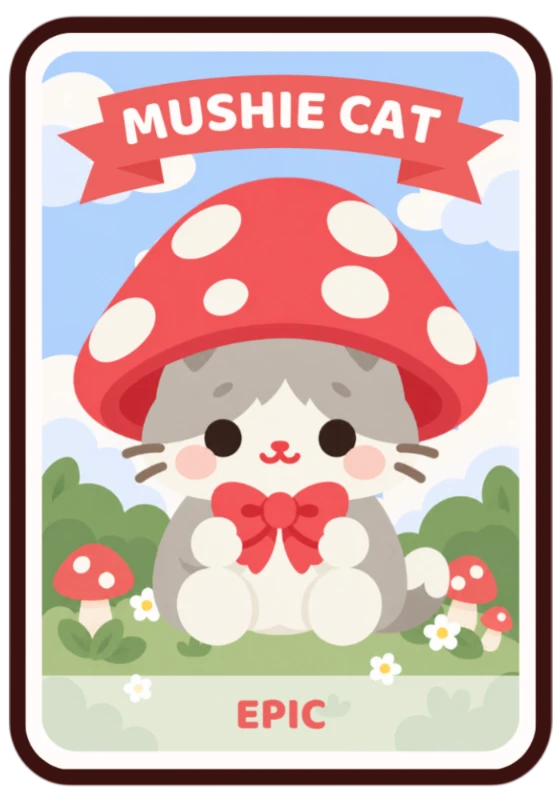
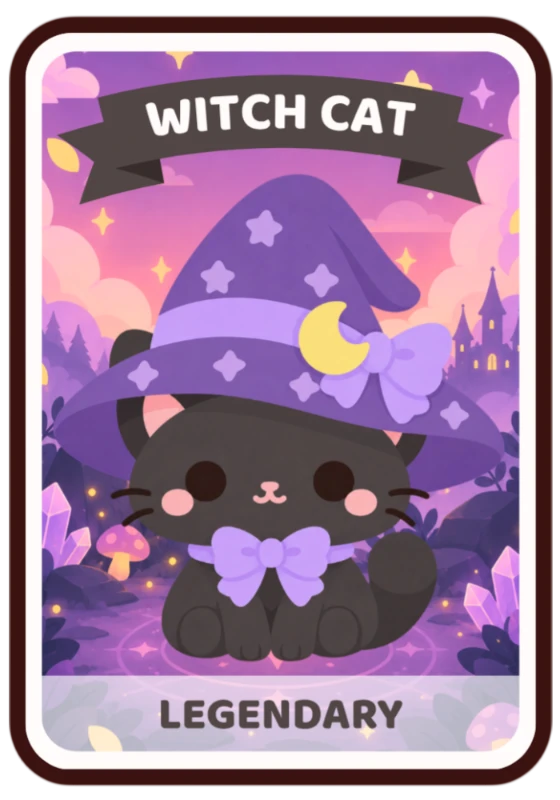
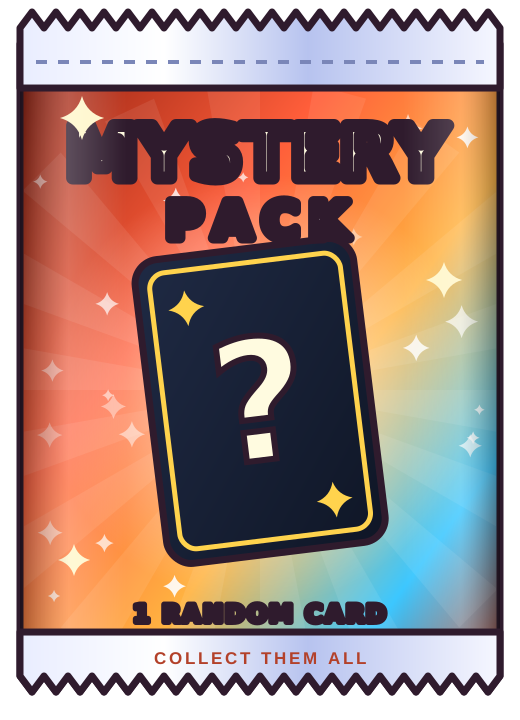
The pack bursts open on stream and reveals the card, with a glow and sound that match its rarity.
 Redeems
Sign in
Viewers spend channel points to rip open a mystery pack on stream. Six rarities from Common to Mythic, collections they check with !cards, and 20 starter cards ready to go.
Free plan: channel points open packs of the 20 built-in cards. Pro: add your own art, and let subs and bits open packs too.
How it works
No passwords and no forms.
We make the channel point reward for you. Pick its name and cost.
Drag the card overlay onto OBS, or paste its link into a Browser Source.
Every redemption opens a pack on stream and adds the card to that viewer’s collection.
Features
The pack bursts open on stream and reveals the card, with a glow and sound that match its rarity.
Common, Uncommon, Rare, Epic, Legendary and Mythic. Set how often each one drops.
A finished set of cute, original cards is ready from the first stream.
On Pro, upload PNG, JPEG, WebP or GIF cards. Finished card designs show exactly as you made them.
!cardsViewers type !cards to see what they have, and come back to complete the set.
If a pack can’t open, the points are refunded, and missed redemptions are recovered automatically.
FAQ
Channel points need Affiliate or Partner. Twitch only lets apps create rewards for those channels, so if yours can’t, the setup guide shows how to make the reward yourself in about a minute.
Yes. They type !cards in chat and our bot answers with what they’ve collected.
Yes, on Pro. Every sub can open a pack for the subscriber, and you choose how many bits open one.
The queue lives on our servers. When OBS comes back, the overlay carries on without replaying anything.